HTML to Markdown Converter

What is HTML to Markdown Converter?
The HTML to Markdown Converter is a fast, free, and privacy-first tool designed to convert HTML content into Markdown format. This online application runs entirely in your browser, ensuring that no data is sent to the server, enabling a high level of privacy and security. With the ability to process single files or batch convert multiple HTML documents simultaneously, it caters to a variety of use cases, from documentation migration to web scraping.
"Moved 200+ legacy help center pages to Markdown in a day—batch export saved us weeks of manual work." — Documentation Lead, SaaS Company.
The tool supports various options such as selecting between Plain Markdown, GitHub Flavored Markdown (GFM), and CommonMark, allowing users to customize the output to meet their specific formatting needs. Moreover, it preserves essential HTML elements, including tables, code blocks, and nested lists, providing an accurate representation of the original content in Markdown form.
Features:
- Instant Conversion: Supports real-time conversion by pasting HTML or uploading files, with side-by-side previews.
- Privacy by Design: All processing occurs locally; no uploads or data collection.
- Batch Processing: Convert multiple HTML files at once and export results as a .zip file.
- Common Use Cases: Ideal for documentation migration, GitHub READMEs, and converting HTML emails or web-scraped content into lightweight Markdown.
- Configurability: Offers options for preserving specific HTML tags, list markers, and code fences during conversion.
- Compatibility: Fully supports GitHub Flavored Markdown, including task lists and strikethrough, making it suitable for GitHub repositories.
Other related tools
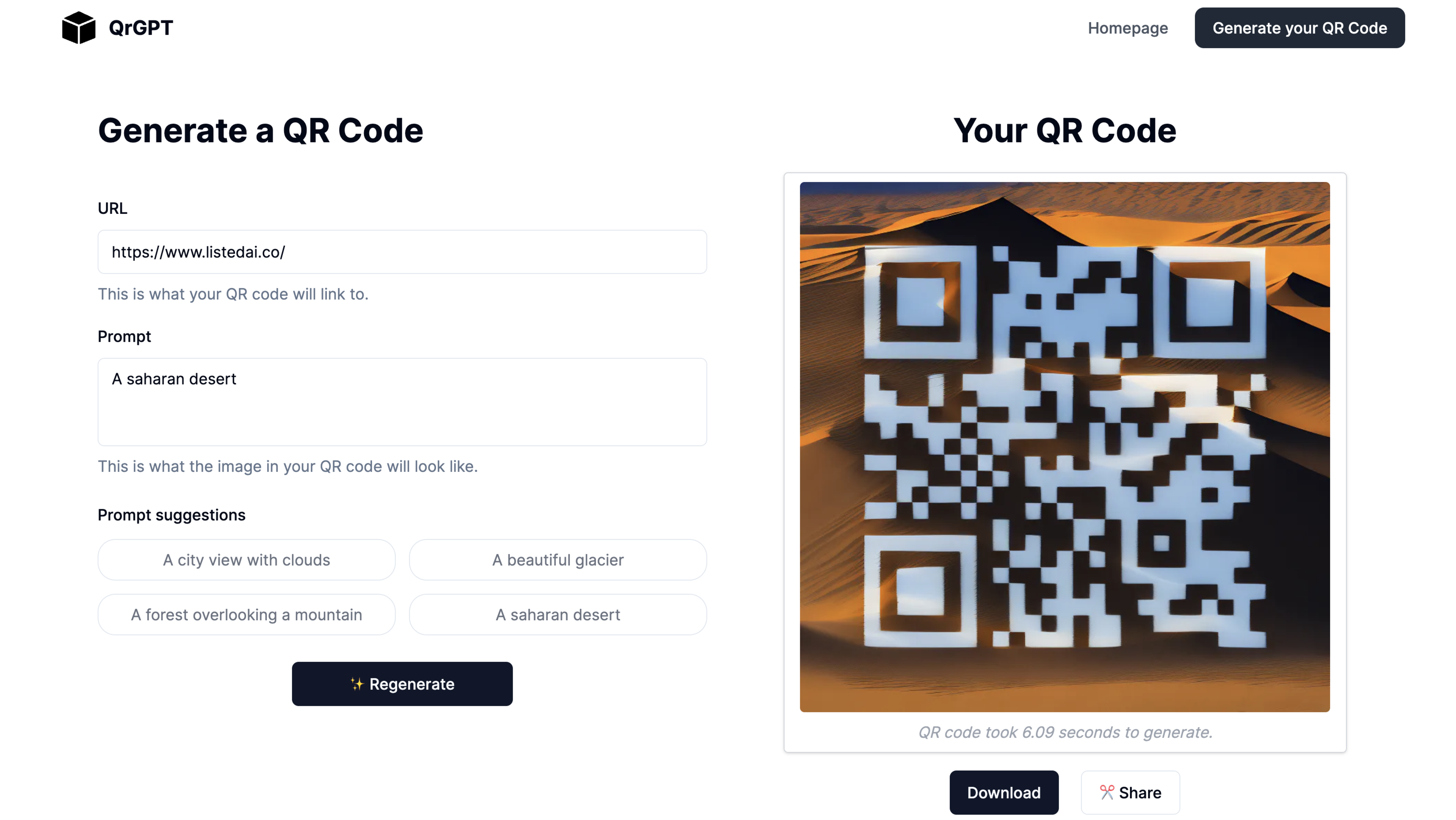
AI Art QR Code Generator: Quickly generate AI-powered QR codes in seconds.
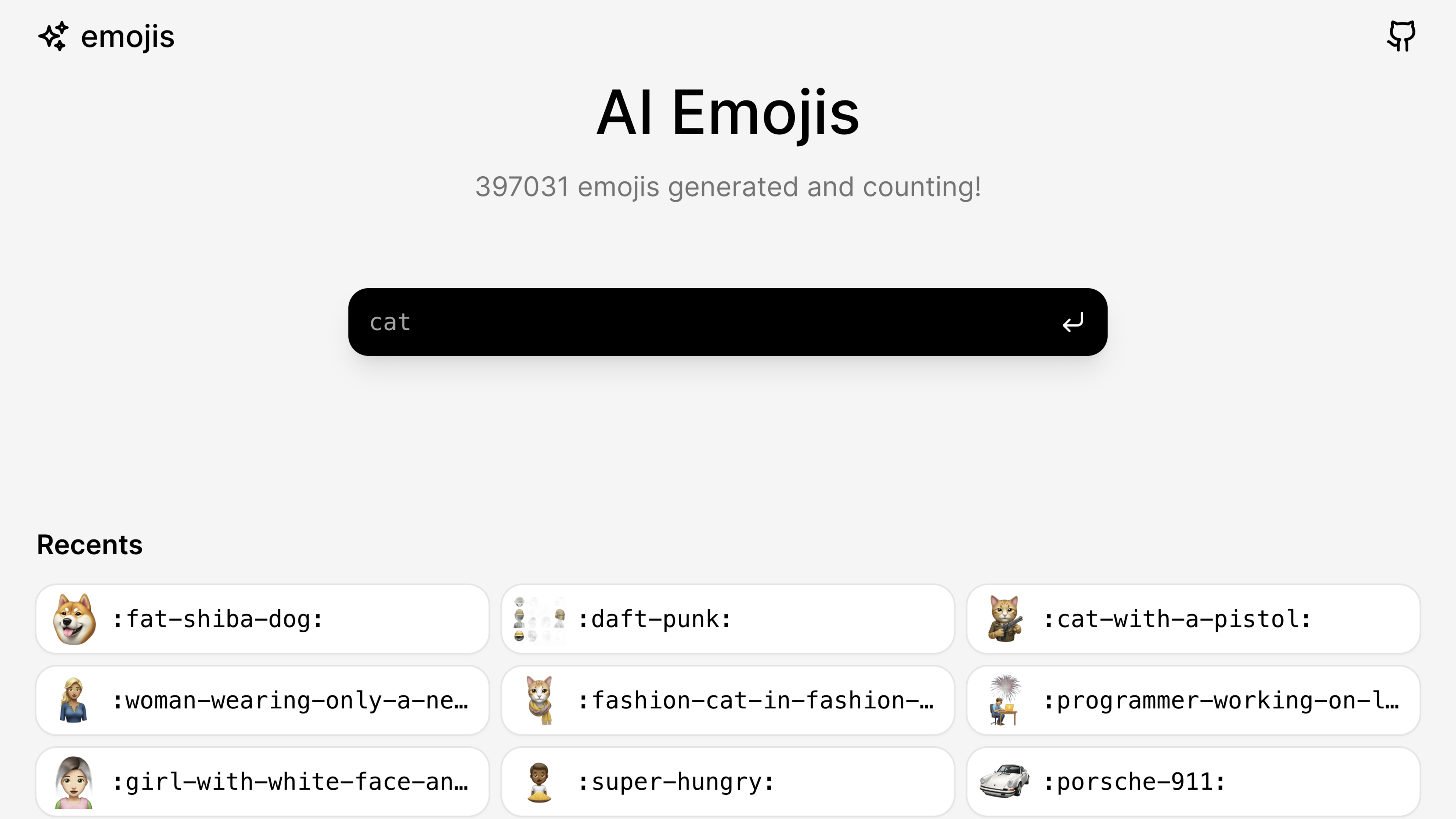
Text-to-emoji tool to generate custom emojis in seconds with the AI Emoji Generator. Turn your ideas into unique Slack emojis with just one click.

Generate professional headshots in minutes using AI.