Snippai
Introduction to Snippai
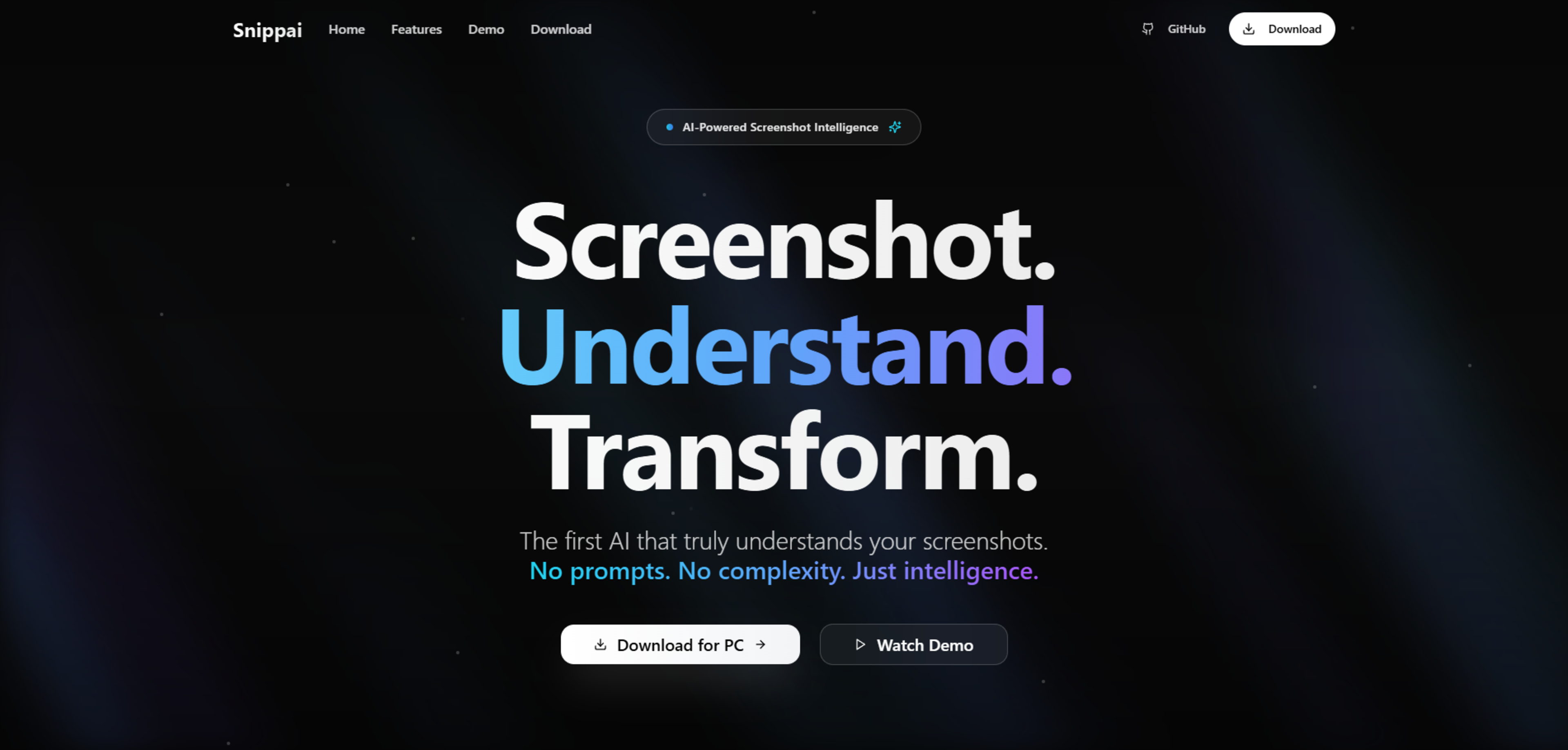
Snippai is described as a promptless AI screenshot tool that specializes in the recognition and transformation of various content types within screenshots into structured and editable formats. It serves professionals who frequently dealing with data extraction and conversion from different sources, such as images of documents, tables, code blocks, and handwritten notes.
Features of Snippai
- Formula Recognition: Converts handwritten or printed mathematical formulas into LaTeX code, aiding individuals who handle mathematical data.
- Table Conversion: Allows for the extraction of tables from screenshots, which can be exported to Excel, CSV, or Markdown while retaining their formatting.
- Code Extraction & Explanation: Analyzes captured code blocks, provides explanations, and suggests refactorings, supporting a range of programming languages.
- Smart Text Capture: Implements OCR technology to extract and summarize text from images, offering options to reformat the extracted content according to user requirements.
How Snippai Operates
Snippai automates the process of converting unstructured information from screenshots into a variety of structured outputs. The procedure entails taking a screenshot, upon which Snippai's AI comprehends the content, whether it be tables, formulas, code, or plain text. Once analyzed, users receive the structured output, which they can copy, export, or edit further in their preferred format.
"Finally, a tool that understands code screenshots perfectly. The explanations and refactoring suggestions are spot-on." - Marcus Rodriguez, Senior Developer at Linear
Professional Endorsements
Snippai enjoys the endorsement of professionals across various fields, such as AI research, software development, and education. They praise its capabilities to accurately convert complex content from screenshots, making it a valuable tool for academic and professional environments.
"Snippai has revolutionized how I capture and process research papers. The LaTeX conversion is incredibly accurate." - Dr. Sarah Chen, AI Research Scientist at Notion
Other related tools
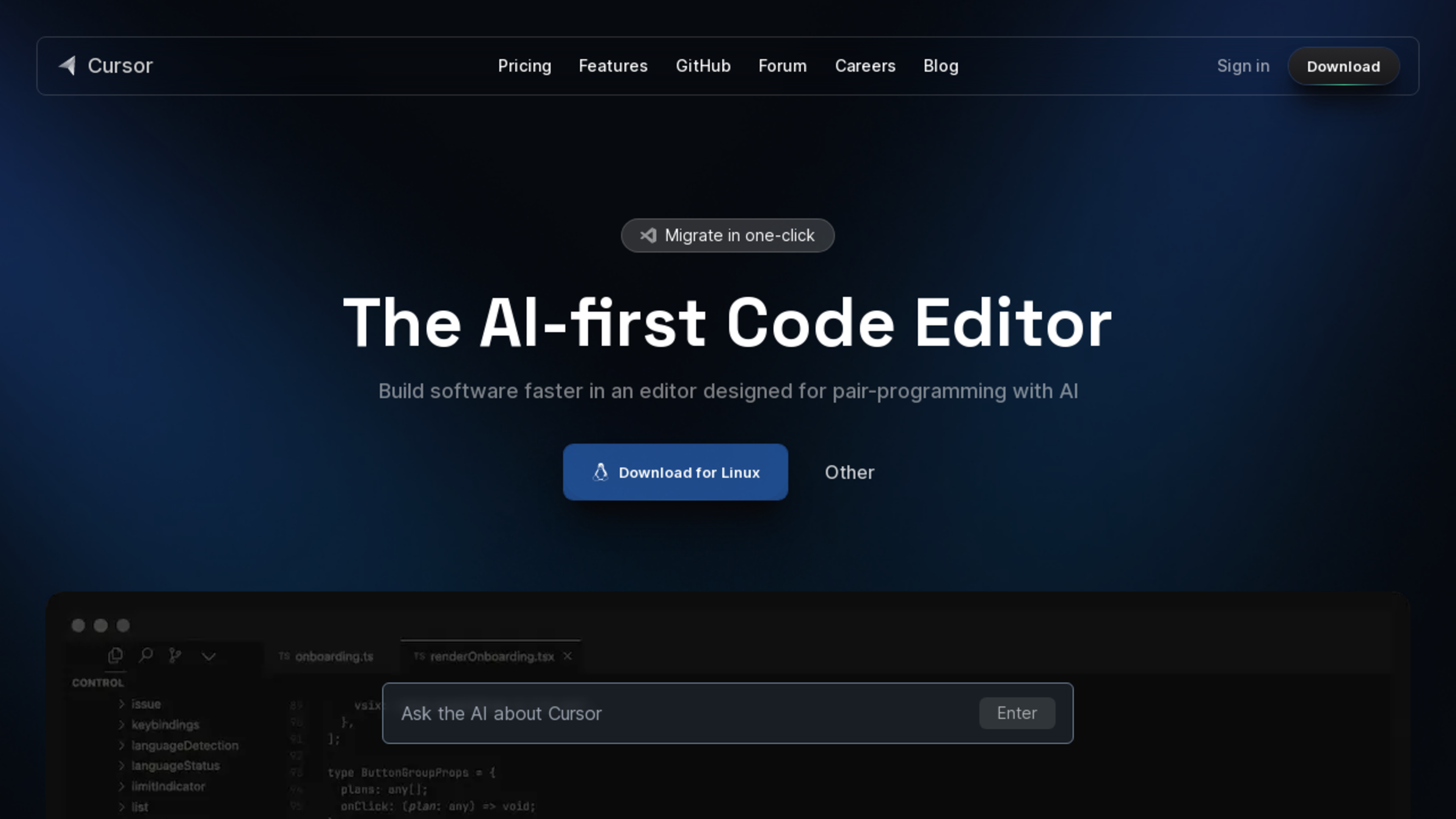
Cursor is an AI-first code editor designed for pair-programming, offering features like code browsing, documentation referencing, code generation, bug fixing, and seamless migration from VSCode. It aims to empower developers and accelerate software development.

Optimize your website with VWO's powerful visitor conversion platform.
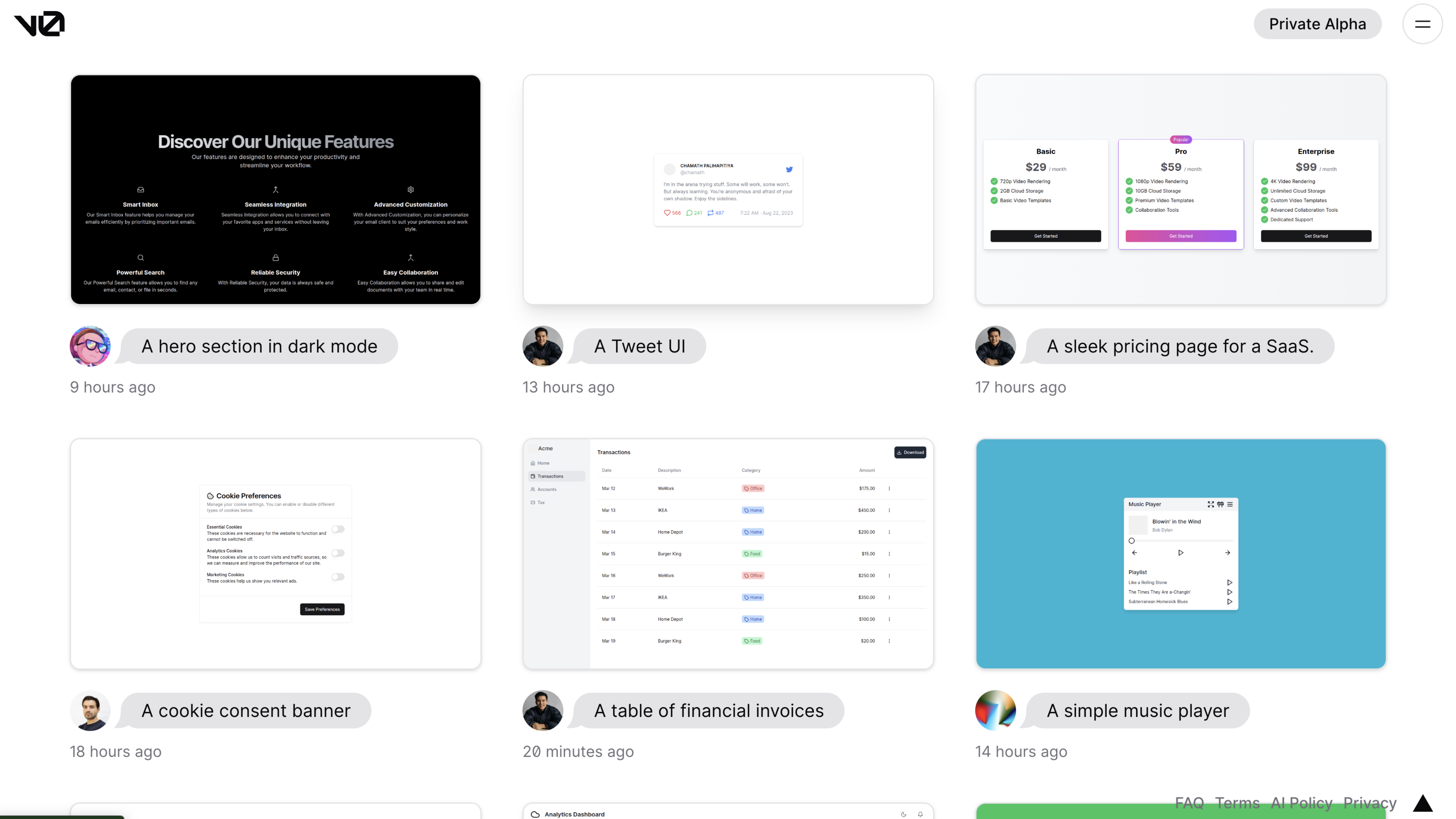
It generates copy-and-paste friendly HTML or React code based on Shadcn UI and Tailwind CSS that people can use in their projects.