Wplace Pixel Art Converter
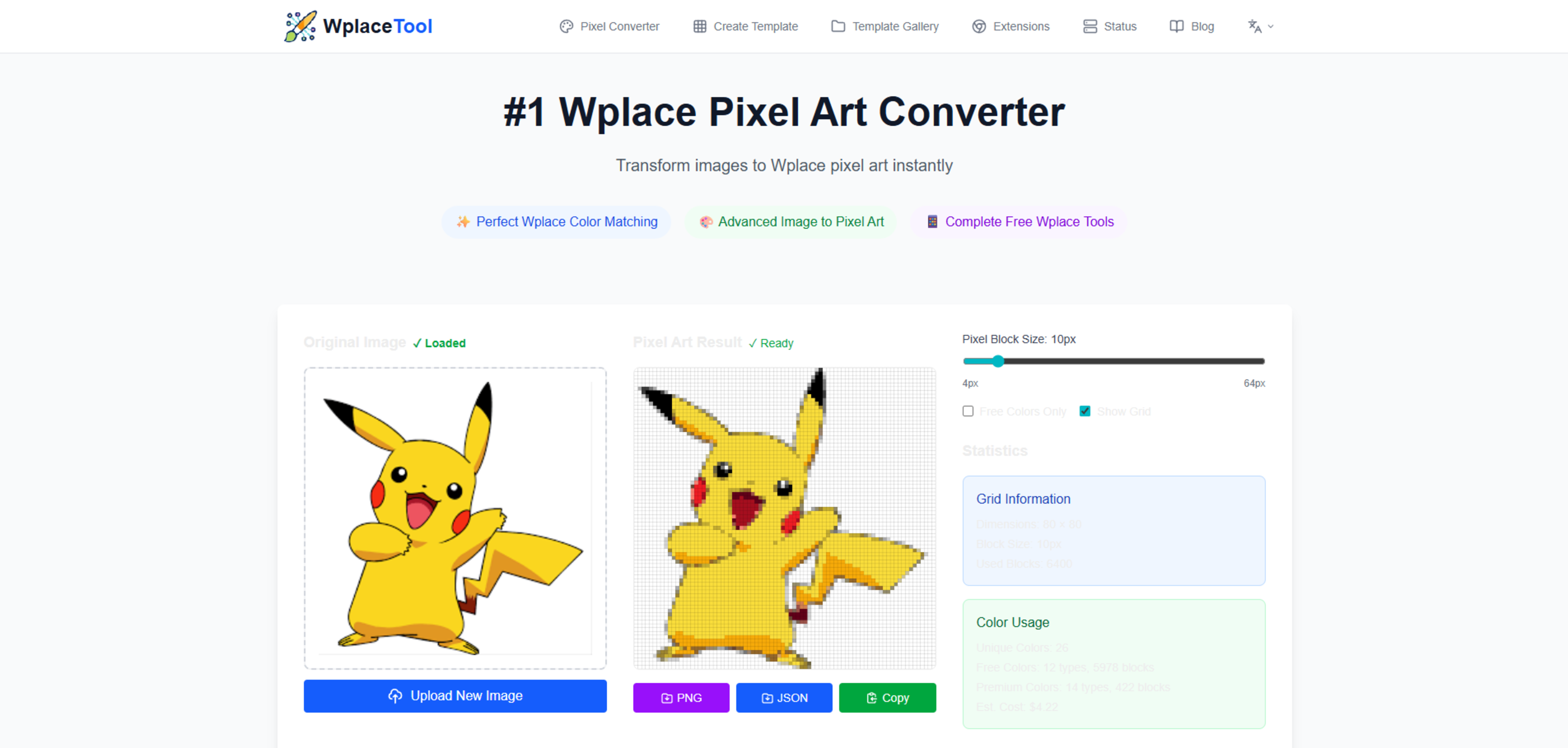
Introduction to Wplace Pixel Art Converter
Wplace Pixel Art Converter is a dedicated online tool tailored for converting standard images into pixel art that's compatible with the Wplace.live platform. The tool seamlessly transforms uploaded images into the pixelated style by matching them to Wplace's official 64-color palette. This ensures that the pixel art maintains visual fidelity and adheres to the color constraints of the Wplace environment. The service is web-based and processes files locally, offering a quick, privacy-conscious solution for artists and creators who engage in pixel art projects.
"Transform images to Wplace pixel art instantly. Free tool with color matching and export for Wplace.live projects!"
Features of the Wplace Pixel Art Converter
- Perfect Wplace Color Matching: Utilizes Delta-E algorithms for color accuracy.
- Advanced Image to Pixel Art: Smart image processing for image optimization.
- Instant Results: Speedy conversion processed directly on the user's device.
- Export Options: Provides various export formats to fit different Wplace.live workflows.
- Customizable Grid System: Allows users to adjust pixel block sizes for precision.
- Smart Color Analysis: Gives detailed statistics about color use and cost estimation.
Usage Process and Additional Tools
The Wplace Pixel Art Converter simplifies the pixel art creation process into three straightforward steps: Upload Your Image, Convert to Wplace Pixel Art, and Export and Deploy. Users can begin by uploading any photo or graphic, which is then automatically converted using Wplace color matching for pixel art creation. The final product can be exported in different formats, including PNG for images or JSON for coordinates, making it easy to integrate into Wplace.live projects.
Additionally, the tool suite includes a Wplace Color Converter for converting colors to the Wplace palette, Template Planner for professional pixel art making, Templates Gallery for exploring and managing pixel art projects, and Browser Extensions for an enhanced Wplace.live user experience.
"Advanced image to pixel art converter designed for Wplace.live projects with features like smart image processing, and perfect color matching."
Optimizing Results and User Support
The Wplace Pixel Art Converter is optimized for high-quality pixel art creation by providing recommendations on image contrast, size, and collaborative planning. To ensure the best conversion results, high-contrast images with defined edges are advocated, with a recommendation on the image size between 100x100 to 500x500 pixels. A preview function is available to cross-check color accuracy prior to deploying the artwork on Wplace.live. For team projects, the JSON data export offers a precise method for coordinating placement among collaborators.
The comprehensive FAQ section offers assistance on technical queries about the tool, including color conversion specifics, image conversion capabilities, and guidance on using the converted colors within the Wplace.live environment.
Other related tools
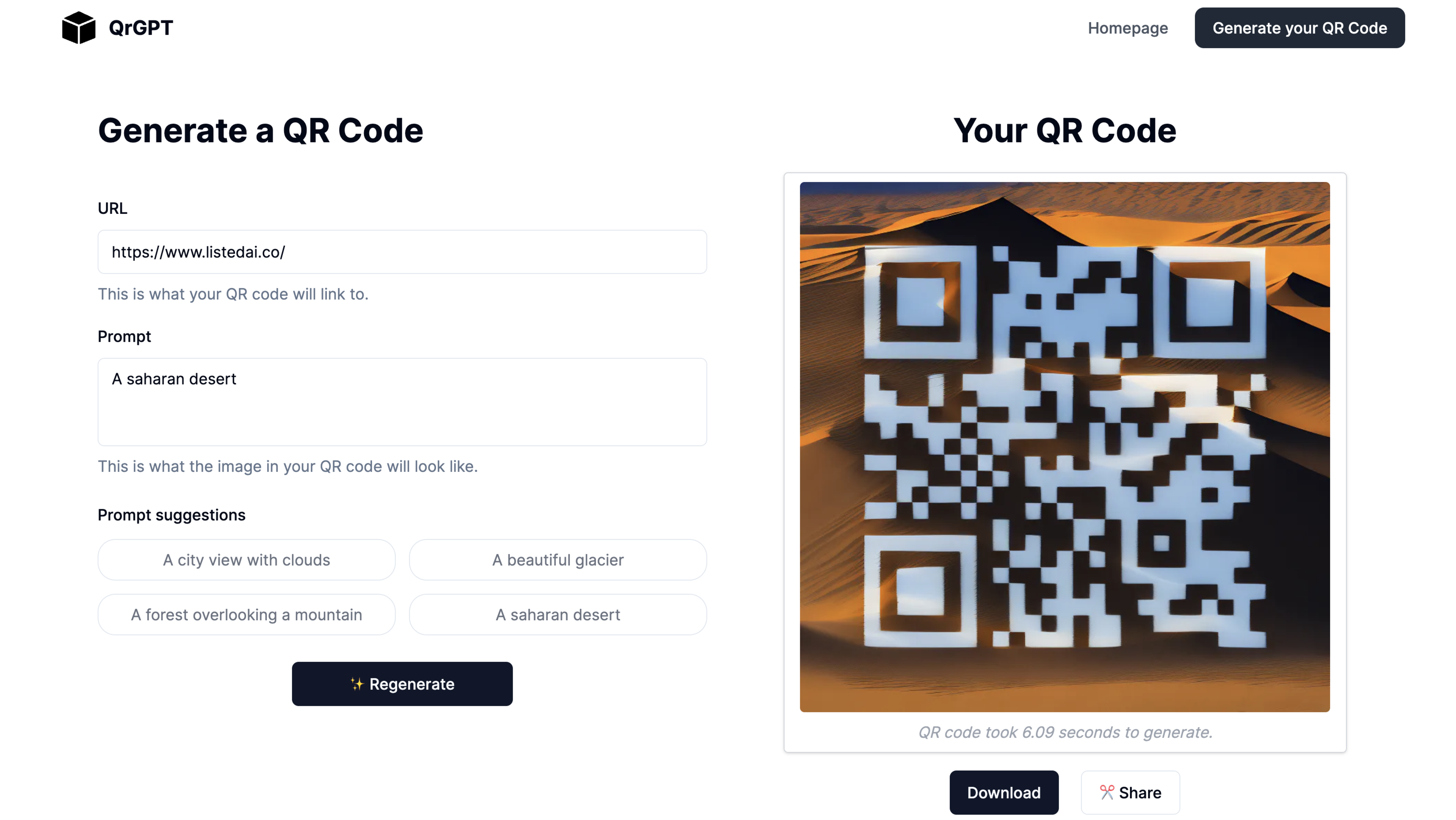
AI Art QR Code Generator: Quickly generate AI-powered QR codes in seconds.
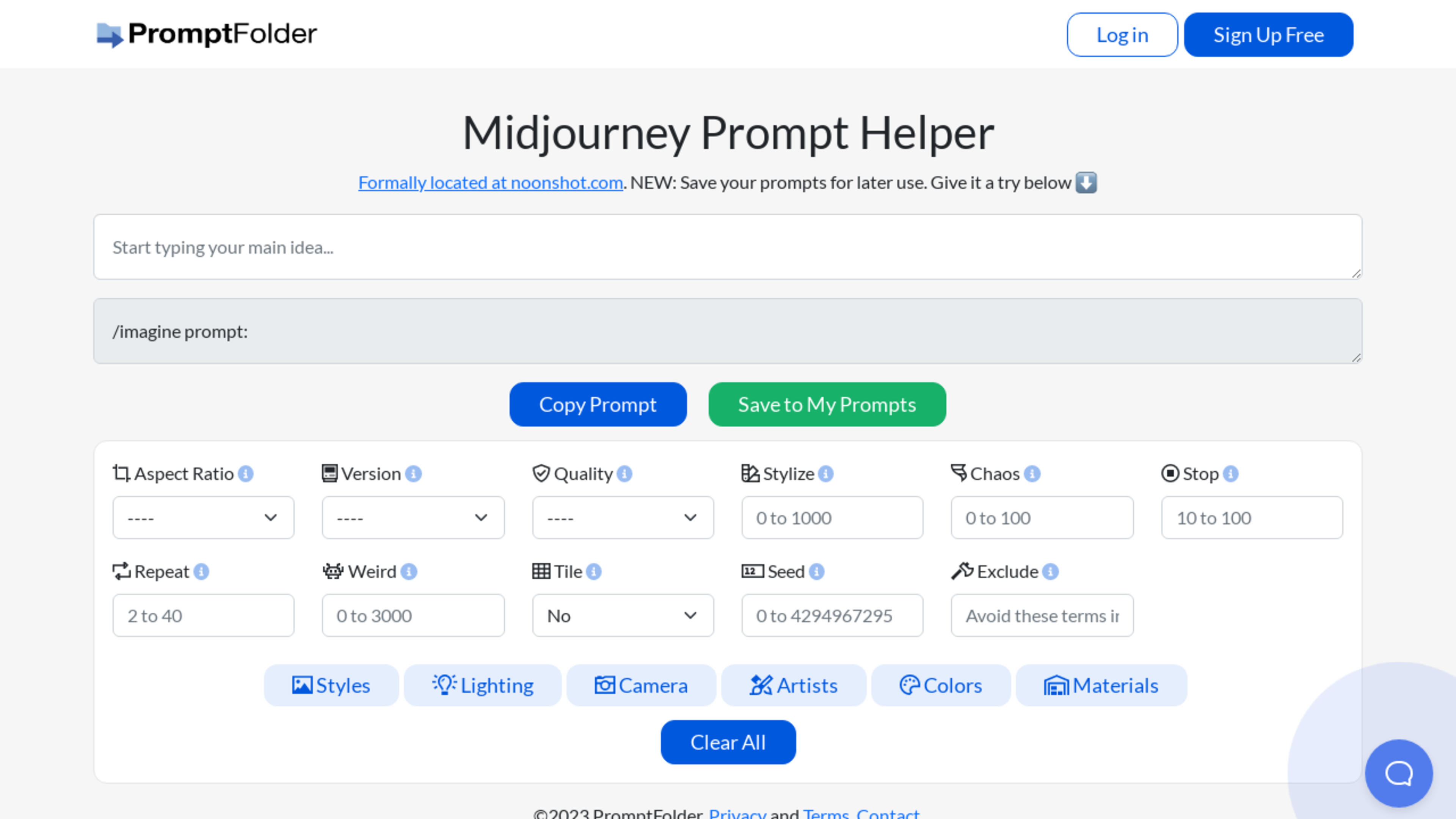
Prompt Wizard for Midjourney. Different styles to chose from
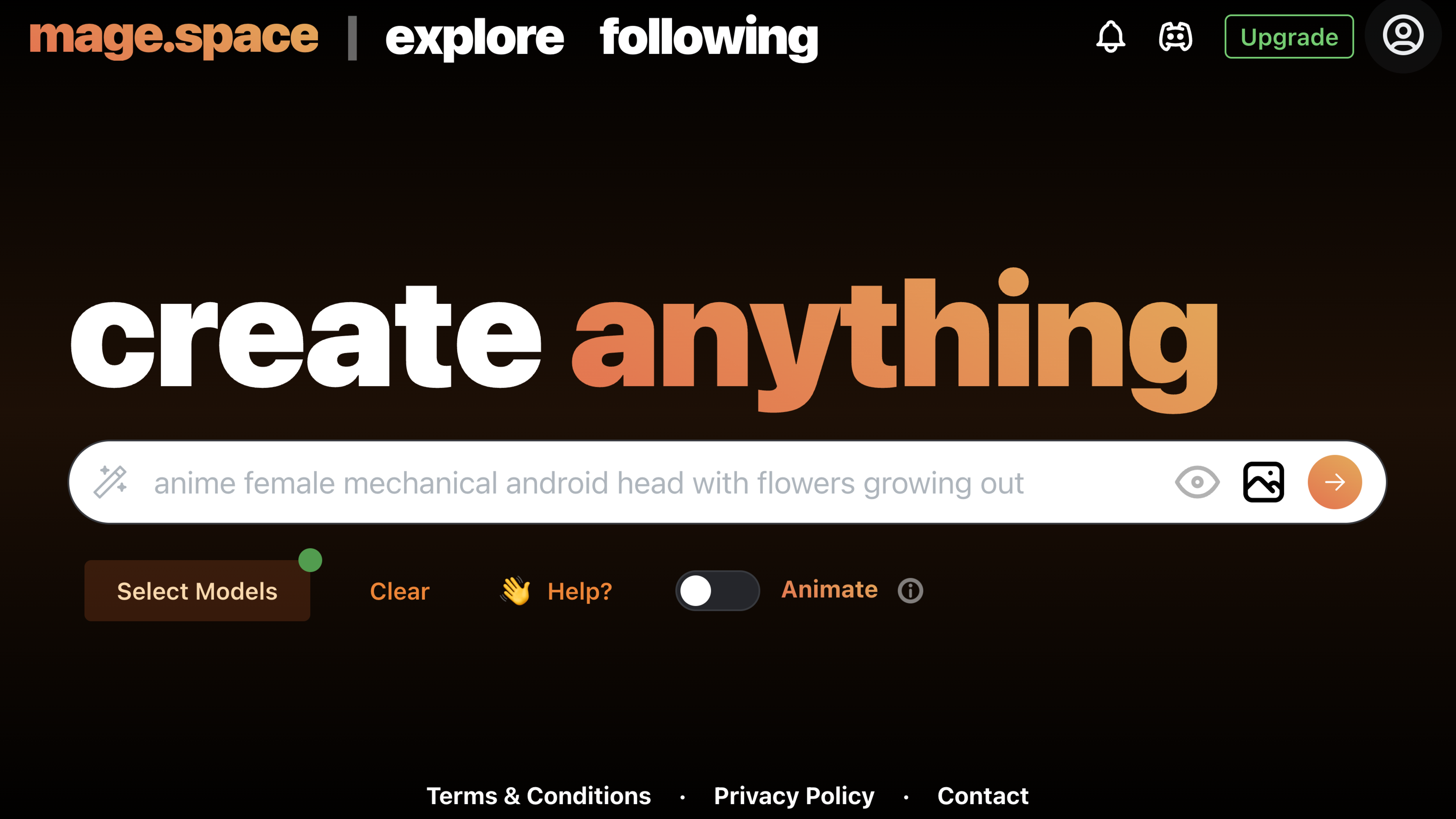
Generate never-before-seen images and videos with in various styles, including art, photorealism, anime, and more.